
In this guide
- Stan’s take: our view after five years using HubSpot
- The use cases and features that matter to us
- A practical play: give sales a useful account brief
- Sequences and workflows do different jobs
- What HubSpot costs beyond the headline seat price
- HubSpot versus Attio or Apollo
- Acceptance tests and reporting
- Get help building the system
- Buyer questions about HubSpot
Stan’s take: our view after five years using HubSpot
We used HubSpot for five years, so I evaluate it as a platform a sales team has to live in. It is a strong choice when you are starting to formalize sales and want room to build a larger, more structured operation. The benefit is having customer context, follow-up and reporting connected as the team grows.
Its Clay integration has been useful for a long time. More recently, the ability to work with CRM context through Claude and ChatGPT, alongside HubSpot’s AEO capabilities, has made the platform more interesting for an AI-enabled revenue team. I would choose the features around the sales process first, then connect research and automation where they remove real work.
HubSpot’s acquisition of Trigify is another development I find promising. Trigify investor Haatch confirmed the acquisition on September 23, 2026. Trigify focuses on buying signals, sales triggers and AI-powered automation. To me, that fits the direction a useful revenue platform should take: connect customer context with a reason to act, so sales teams can make outreach more relevant and timely.
For a small team, start with the records, ownership and follow-up you will use every week. For a larger team, the value is coordinating those same actions across people and departments. A bigger subscription only helps when the team needs the additional capability.
The use cases and features that matter to us
| Use case | Feature | Why we use it |
|---|---|---|
| Set up the first sales process | Contacts, companies, deals and tasks | Give each opportunity a clear owner and next action. |
| Personalize outreach with better context | Clay integration and enrichment workflows | Bring relevant account research into the rep’s daily workspace. |
| Work with CRM context in an assistant | Claude and ChatGPT connectors | Ask questions about your customer data using the access your account supports. |
| Coordinate a growing sales team | Sequences, workflows and reporting | Make follow-up consistent and see where opportunities progress or stall. |
| Improve visibility in AI search | HubSpot AEO | Understand how the brand appears in answer engines and prioritize improvements. |
Feature references: HubSpot’s Claude connector; HubSpot AEO announcement; HubSpot ChatGPT connector; Clay’s HubSpot integration.
A practical play: give sales a useful account brief
Here is a practical way to apply that approach to your own team:
- Select an account or incoming lead in HubSpot and identify the research a rep needs.
- Use Clay to gather relevant company context and return it to the existing CRM record.
- Use an assistant to summarize the context and suggest a relevant conversation angle.
- Assign the follow-up, run the appropriate rep-led sequence and measure the resulting opportunity in HubSpot.
Sequences and workflows do different jobs
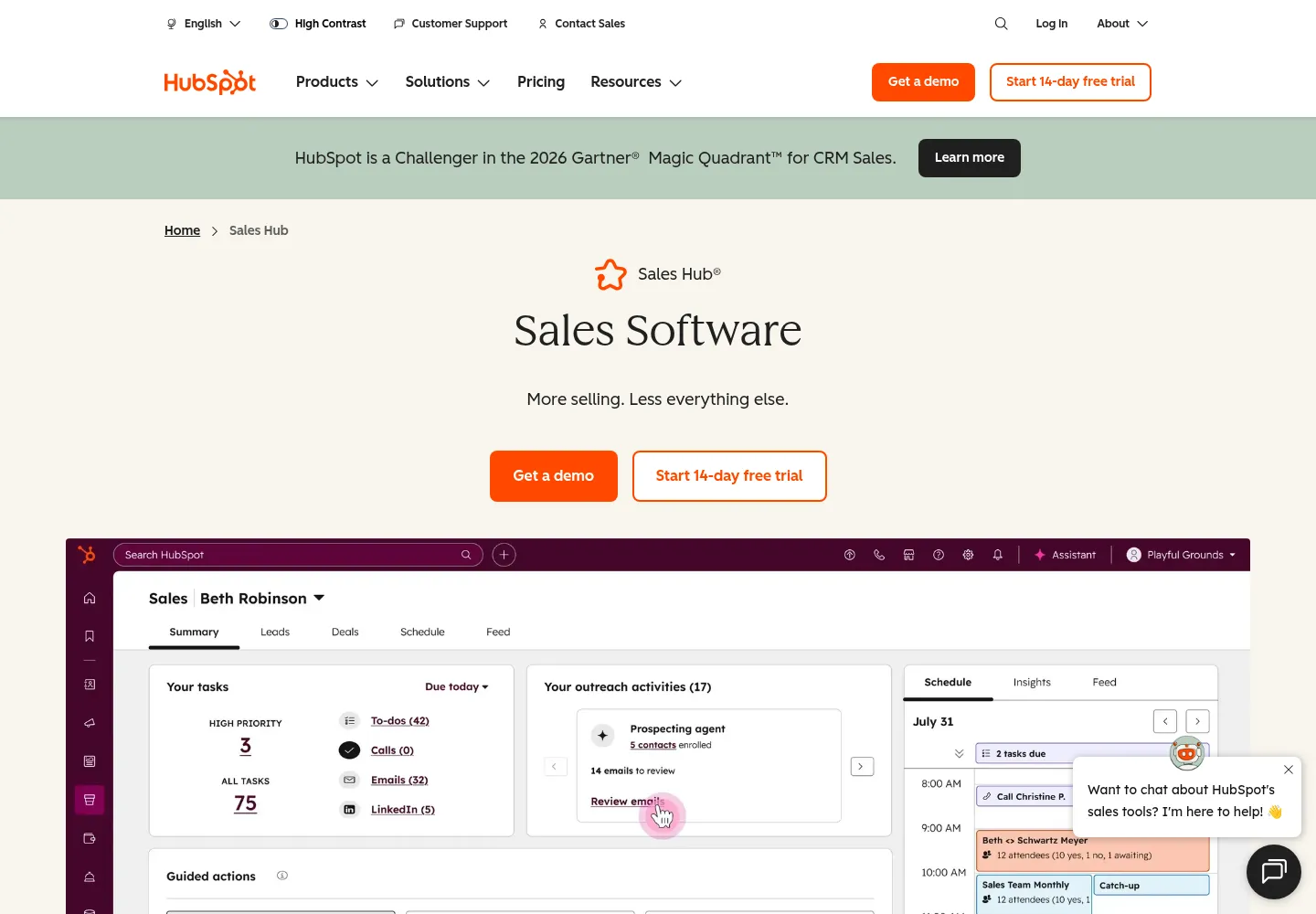
Sequences combine timed sales emails and tasks. Workflows automate business processes such as assignments, property updates, and internal notifications. HubSpot documents sequence access for Sales Hub or Service Hub Professional and Enterprise with the appropriate assigned seat.
Sequence emails use a connected individual mailbox, rather than HubSpot’s marketing email infrastructure. Confirm sender access and configure reply or meeting exit behavior before enrollment. Where enrollment is triggered by a workflow, verify that the required capability and sender seat are available in your subscription.
A practical design is to use a workflow to validate eligibility and assign an owner, then use an approved follow-up sequence for the appropriate contacts. Keep a human escalation path for replies that cannot be classified confidently. Never treat an email-open event alone as proof of buying intent.
What HubSpot costs beyond the headline seat price
As reviewed October 18, 2026, the Sales Hub pricing page lists Professional from $90 per seat/month on annual billing with a required $1,500 onboarding fee, and Enterprise from $150 per seat/month with $3,500 onboarding. Entry-level promotions vary. These figures are software and vendor onboarding prices, not a quote for a complete implementation.
Ask for a line-by-line budget covering required seats, additional hubs, credit-based features, onboarding, migration, integration maintenance, and operational support. Your implementation scope may include substantial data cleanup or process redesign even when the subscription is already purchased.
Marketing contacts deserve their own control
For subscriptions using marketing contacts, those contacts count toward the relevant billing tier. Exceeding that tier can trigger an upgrade. Changing a record to non-marketing does not take effect immediately; it follows the account’s update date. HubSpot documents a maximum-marketing-contacts setting and usage controls.
Do not automatically mark an entire sourced prospect database as marketing contacts during import. Decide who actually needs the relevant marketing tools, check the defaults of connected forms and integrations, and give a named person responsibility for reviewing usage before the update date. This is a billing and process decision, separate from whether a contact is commercially qualified.
HubSpot versus Attio or Apollo
Compare HubSpot with Attio when the question is your CRM operating model. Attio offers a flexible approach to records and relationships; HubSpot offers a broader collection of connected customer products. Map the full workflow and required tiers before comparing costs.
Compare HubSpot with Apollo differently. Apollo can supply prospecting data and outreach execution, while HubSpot may remain the commercial record and reporting system. If you use both, decide which platform owns contact status, account ownership, and the next action. Two systems independently enrolling the same person create an operational problem even when both integrations are functioning.
Keep the number of write paths small. A tool is valuable when it improves a defined stage of the process, not because it can synchronize every available field.
Acceptance tests and reporting
- A duplicate submission updates the intended contact and does not create a second task.
- An existing customer is routed to its account owner.
- A contact at an open opportunity is excluded from unrelated acquisition outreach.
- A missing company domain reaches review instead of a guessed association.
- A reply or suppression prevents subsequent enrollment through every connected source.
- A failed write can be retried without creating another company or deal.
- The report reconciles accepted leads and opportunities with the underlying records.
Measure time to first meaningful response, sales acceptance rate, rejection reasons, opportunity conversion, and unresolved integration failures. Track sourced opportunities separately from influenced opportunities. A campaign touching an account does not establish that it created all of that account’s revenue.
Handover should include a field dictionary, lifecycle definitions, permissions, workflow inventory, dependency map, test records, and a recovery runbook. A second person should be able to explain and operate the process without the builder on a call.
Get help building the system
frontBrick connects the commercial strategy with implementation: audience and qualification rules, Clay or data enrichment, CRM routing, outreach handoffs, and the reporting your team uses to make decisions. Scope and pricing are custom. Talk to Stan in a complimentary discovery call about the process you need HubSpot to support.
Buyer questions about HubSpot
Is onboarding the same as implementation?
No. Clarify the contracted deliverables. A complete implementation can include process design, migration, integrations, configuration, testing, and training. A vendor onboarding fee should not be assumed to cover all of that work.
Can HubSpot be the CRM for Clay-powered outbound?
Yes. Design the handoff around stable CRM IDs, explicit field ownership, suppression, and qualification. Keep research recommendations separate from sales-approved states, and return outcomes so the targeting can improve.
Should every lead become a deal?
Usually not. Define a threshold that reflects a real commercial opportunity in your business. Creating deals for every imported or enriched contact inflates pipeline and makes stage conversion difficult to interpret.
Why do integrations create duplicate companies?
Matching behavior varies by creation path. HubSpot specifically notes that API-created companies are not automatically deduplicated by domain. The integration needs a deliberate matching strategy and persistent Record IDs.
Do I need Marketing Hub for sales sequences?
Sequence eligibility is documented under Sales Hub or Service Hub Professional and Enterprise with the right seat. Marketing email and marketing-contact billing are separate considerations. Check the exact features your workflow requires.
What should I see before approving launch?
Ask for a complete example from source to sales outcome, plus tests for duplicates, existing customers, missing data, and failures. Require reconciliation of record counts and confirmation that another team member can pause and recover the workflow.